
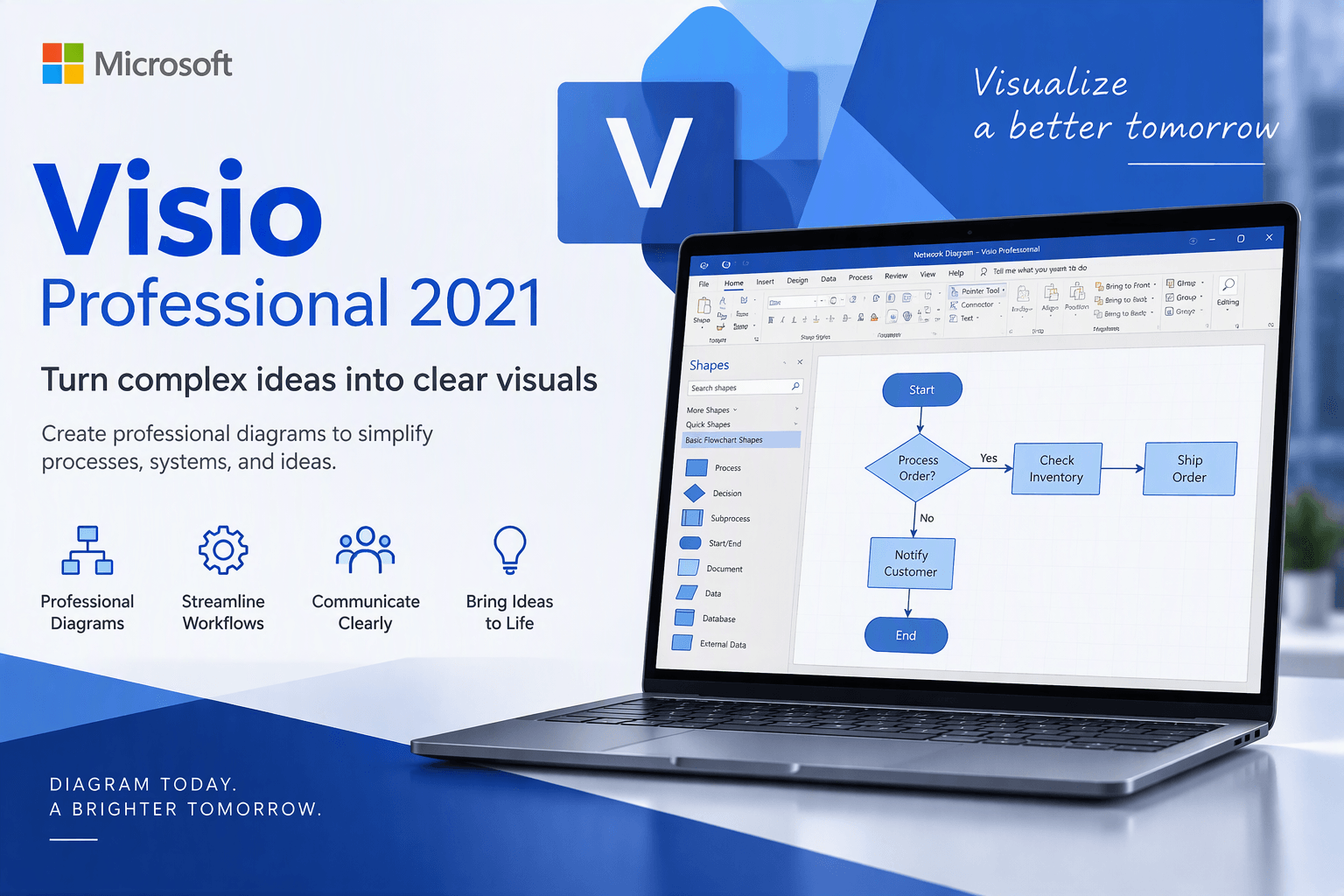
microsoft visio professional 2021
Why Microsoft Visio Professional 2021?
Microsoft Corporation
- Create professional diagrams easily with ready-made templates and shapes
- Build and validate diagrams that support industry standards, including BPMN 2.0 and UML 2.5
- Use your finger or pen to draw and take notes naturally on touch-enabled devices
- Create database visualizations using built-in database model diagrams
- Collaborate with others by adding and replying to comments within Visio
- Link diagrams to live data from internal and external sources

Supports industry standards
Visio’s huge shape library supports Unified Modelling Language (UML) 2.5, Business Process Model and Notation (BPMN) 2.0 and Specification and Description Language (SDL).

Supports industry standards
Share your diagrams from secure online repositories, like OneDrive for Business and SharePoint (sold separately).

Easy data linking
Connect your Visio shapes and diagrams to data from common internal and external sources. Insert data graphics or use formatting to reflect changes in the underlying data in your diagram.

Flexible editing
Easily change shapes in existing diagrams without losing your layout and shape connections, making it simple to change the look of your diagram without losing any of the work you’ve already done.

Data-driven diagramming
Automatically generate org charts from data sources like Excel, Exchange or Azure Active Directory.

AutoCAD support
Ability to import DWG files, including enhanced file format support.
microsoft visio professional
What's new in Visio Professional 2021
Visio Professional 2021 makes it easier than ever for individuals and teams to create and share professional, versatile diagrams that simplify complex information. Visio Professional 2021 includes updated shapes, templates, and styles; enhanced support for team collaboration, including the ability for several people to work on a single diagram at the same time; and the ability to link diagrams to data instantly. Visio Professional 2021 also helps prevent information leakage by enabling Information Rights Management.
New Azure stencils and shapes
We've added many more stencils to help you create up-to-date Azure diagrams. You can use these new stencils to build Azure diagrams for network topologies, virtual machine configurations, operations, and more.
With over twenty stencils and hundreds of shapes, the Azure Diagrams template in Visio gives you everything you need to create Azure diagrams for your specific needs. Design web apps, network topologies, Azure solutions, architectural diagrams, virtual machine configurations, operations, and much more.


New AWS stencils and shapes
We have enabled infrastructure shapes from another major cloud provider: Amazon Web Services (AWS). You can now use stencils with the latest AWS shapes to help you create diagrams.
With over twenty stencils and hundreds of shapes, the AWS Diagrams template in Visio gives you what you need to create AWS diagrams for your specific needs. Design cloud storage, business applications, identity-management solutions, media services, and much more.

Content for social distancing planning in the workplace
We are living through an extraordinary period in our history where we need to re-evaluate many aspects of our lives, including how we can safely co-exist within common workspaces. There are many technological innovations appearing from Microsoft and others to assist in these adjustments to our daily lives.
The Microsoft Visio desktop app, which includes Visio Plan 2, has templates for creating office and workplace diagrams to scale, and has the ability to embed CAD diagrams, too (see Create a Floor Plan and Featured Visio templates and diagrams for more information). Indeed, Visio users have been doing this for many years, but now the world faces the challenge of preparing these workplaces for a new normal where social distancing is required.

Ready-made graphics for your diagrams
We’re constantly adding more rich media content to the Office Premium Creative Content collection, a curated library of stock images, icons, and more that you can add to your Visio drawings.
You can insert most types of image files into a Visio diagram. They appear as normal pictures but don’t have some features that Visio shapes have, like connection points (although you can still connect them to other shapes by using a connector).
Kick-start your diagrams
The Organization Chart, Brainstorming, and SDL templates have new starter diagrams to get you up and running quickly.
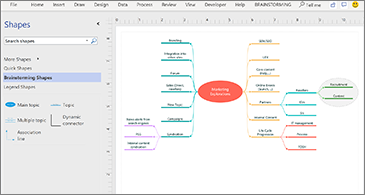
Built-in database model diagrams
The new Database Model Diagram template accurately models your database as a Visio diagram. No add-in required.
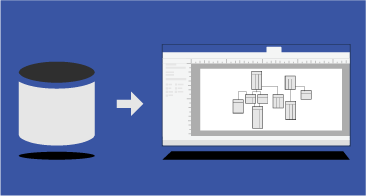
Create wireframe diagrams for websites
Bring ideas to life by using a Visio wireframe. A wireframe is a detailed visual model of an interface that is like a blueprint of functionality and content. These new Website Templates are ideal for creating a low-fidelity, design sketch to present ideas, arriving at a team consensus, and forming the basis of a high-fidelity wireframe.

New UML tools
New UML component diagrams
You can create UML component diagrams that show components, ports, interfaces and the relationships between them.
New UML communication diagrams
You can create UML communication diagrams that show the interactions between lifelines that use sequenced messages in a free-form arrangement.
New UML deployment diagrams
You can create UML deployment diagrams that show the architecture of a deployment of software artifacts to nodes.
Improved AutoCAD support
Enhanced AutoCAD support
Before, Visio supported .dwg and .dxf files from AutoCAD 2007. With this update, you can import or open files that are from AutoCAD versions 2017 or prior.
Improved AutoCAD scaling
With this update, you will see scaling improvements when importing AutoCAD files. Just make sure to set a couple of properties first. In AutoCAD, make sure that the active tab is a layout tab, and not the model tab. Also, make sure that the Visio drawing scale is set to the same scale as the AutoCAD viewport scale. This article provides more detail.
Faster import of AutoCAD files
With this update, you will notice that AutoCAD import speed is greatly improved.
Instantaneous shape overlay
There used to be long delays when working with shapes on top of CAD files. With this update, there's no delay.
requirements
Minimum system requirements
Read here for more information on system requirements and information on how some PCs might be able to update or change settings to meet the requirements.
Processor:
1.6GHz or faster, 2-core.
Graphic:
DirectX 10 graphics card for graphics hardware acceleration.
Memory:
4GB RAM; 2GB RAM (32-bit).
Display:
1280 x 768 screen resolution.
Operating System:
Windows 11, Windows 10, Windows Server 2019.
Hard Disk:
4GB of available disk space.
Additional System Requirements:
Internet access.
Microsoft account is required.