
the apps you get
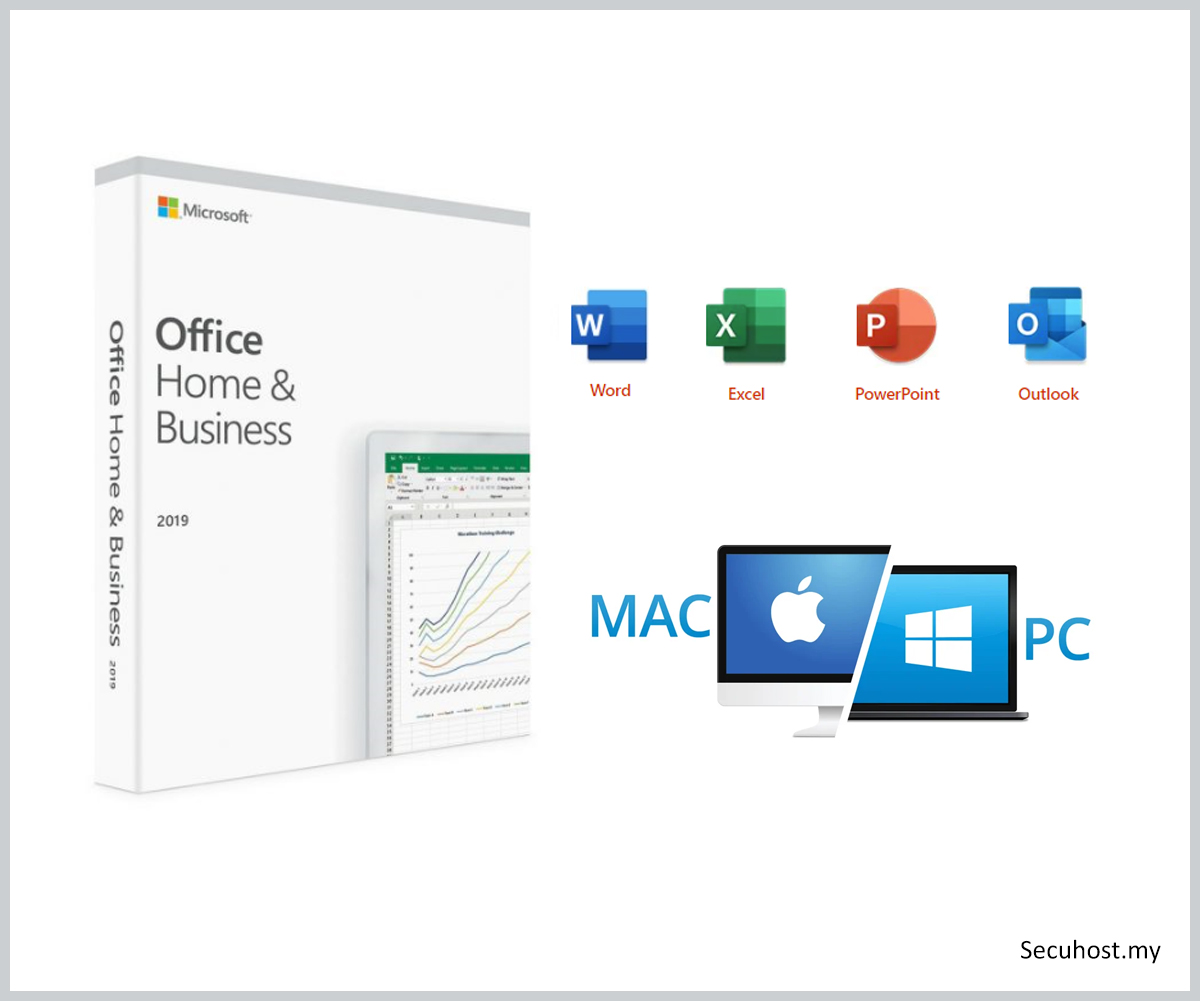
Classic apps for home and business
Everything you need to create, work and stay focused.

Word

Ecxel

PowerPoint

Outlook

OneNote
microsoft corporation
Office Home & Business 2021
- One-time purchase for 1 PC or Mac
- Classic 2024 desktop versions of Word, Excel, PowerPoint, Outlook, and OneNote
- Access to support resources
- Compatible with Windows 11, Windows 10, or macOS*
- Works with Microsoft Teams
*Go to aka.ms/systemrequirements for compatible versions of Windows 11, Windows 10, and macOS and for other feature requirements.
Key Benefits
The essentials to get it all done. Office Home and Business 2024 is for families and small businesses who want classic Office apps and email. It includes Word, Excel, PowerPoint, Outlook and OneNote for Windows 11 and Windows 10. A one-time purchase installed on one PC or Mac for use at home or work.

A one-time purchase

Install on one PC or Mac

Classic Office apps
Requirements
Go to aka.ms/systemrequirements requirements for compatible versions of Windows 10 or Windows 11 and macOS and for other feature requirements.
PC
• Microsoft account
• Internet access
• Windows 11 or Windows 10
• 1.6 GHz, dual-core processor
• 4 GB, 2 GB (32-bit) RAM
• 4 GB available disk space
• 1280×768 screen resolution
• DirectX 10 graphics card for graphics hardware acceleration
Mac
• Microsoft account
• Internet access
• Intel processor
• 4 GB RAM
• 10 GB available disk space
• Mac OS Extended or APFS
• 1280×800 screen resolution
Download and install or reinstall Microsoft 365 or Office 2021 on a PC or Mac
Before you begin, make sure your PC or Mac meets the system requirements.
If this is the first time you're installing Office you may have some setup steps to do first. Expand the learn more section below.
However, if you're reinstalling Office, you've already redeemed a product key, or you're installing Office at work or school and know you have a license, then go to the section sign in and install Office on your PC or Mac.
Sign in to download Office
1. Go to www.office.com and if you're not already signed in, select Sign in.
2. Sign in with the account you associated with this version of Office. This account can be a Microsoft account, or work or school account. I forgot the account I use with Office
3. After signing in, follow the steps that match the type of account you signed in with.
4. This completes the download of Office to your device. To complete the installation, follow the prompts in the "Install Office".
Activate Office
1. To open an Office app, select the Start button (lower-left corner of your screen) and type the name of an Office app, like Word.
2. If you have Windows 8.1 or 8.0, type the name of an Office app on the Start screen. Can't find your Office apps?
3. To open the Office app, select its icon in the search results.
4. When the Office app opens, accept the license agreement. Office is activated and ready to use.
frequently ask question
Got question?
Here are some common question about Office Home & Business 2021.
What's the difference between Office 2021 (one-time purchase) and Microsoft 365 (subscription)?
Office 2024 is sold as a one-time purchase, which means you pay a single, up-front cost to get Office apps for one computer. One-time purchases are available for both PCs and Macs. However, there are no upgrade options, which means if you plan to upgrade to the next major release, you’ll have to buy it at full price.
Microsoft 365 Personal, Microsoft 365 Family, Microsoft 365 Premium and Microsoft 365 Pro are subscriptions that include powerful productivity apps and creativity tools with AI-powered features. In addition to desktop versions of popular Microsoft 365 apps like Word, PowerPoint, Excel and Outlook with Microsoft Copilot, you also get spacious cloud storage, advanced security and cloud-connected features that let you collaborate on files in real time. With a subscription, you’ll always have the latest features, fixes and security updates along with ongoing tech support at no extra cost. You can choose to pay for your subscription on a monthly or yearly basis, and use your apps on multiple PCs, Macs, tablets and phones.
How do I know if my computer, mobile device or browser can run Office?
To see if your computer, mobile device and/or browser can run Office, please visit the Office system requirements page.
Do I need internet access to run Office?
Internet access is required to install and activate Office, but not to use Office apps such as Word, Excel and PowerPoint once you have these fully installed on your computer.
How do I download, install, reinstall, activate or update Office?
Once you have purchased Office, you can install it from the Services & subscriptions section of your Microsoft Account page.
Go to Office Support for more steps to download, install, reinstall, activate or update Office.
Are there any tutorials on how to use the Office apps and services?
Yes, the Microsoft 365 Training Centre has quick-start guides, cheat sheets, tips and tricks and training courses on how you can make the best use of Office.